

Branches

Pradumna is a Developer Advocate, Docker Captain, and a DevOps and Go Developer. He is passionate about Open Source and has mentored hundreds of people to break into the ecosystem. He also creates content on X (formerly Twitter) and LinkedIn, educating others about Open Source and DevOps tools. Pradumna enjoys engaging with people in person and delivering talks.
A branch is a version of the repository that diverges from the main working project.
In simple words, with branches, we a taking a copy of the code to work and experiment, inside a repo, so that we don't disturb the mainline.
Why do we need branches?
▪️ Develop new features.
▪️ Safely experiment with new ideas
▪️ Fixing bugs.
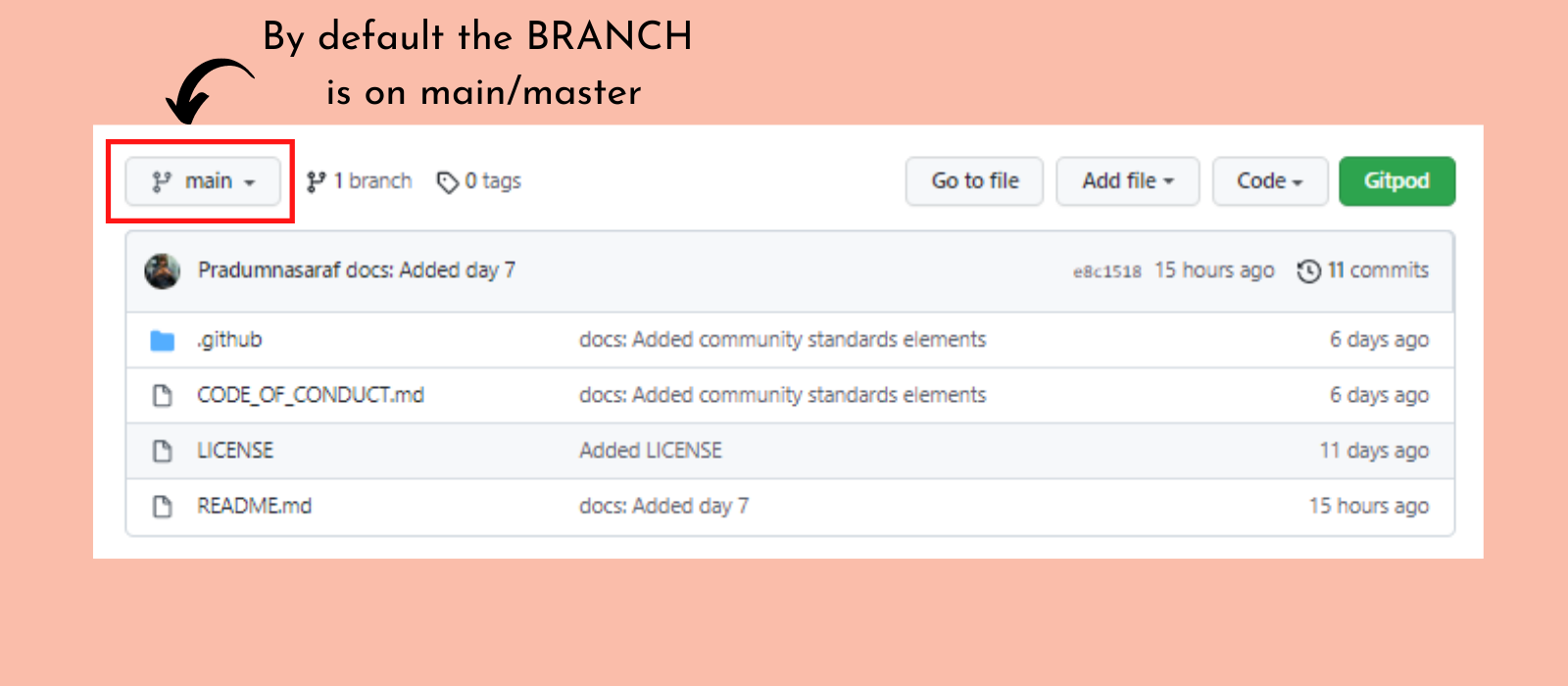
📌By default the project is on the main or master branch, depending on the project setting.
Creating a Branch.
The branch can be created on our projects or the projects we have Forked.
Good practices:
▪️ Try to give a proper name to a Branch.
▪️ Always try to create a branch with the latest commit.
▪️ While contributing to a project, firstly create a branch from the main/master branch and then work on it.
▪️ Delete the merged branches.
"The only repo you need"
Aim: To build a GitHub repo and to bring all Bootcamp tweets and materials in one place, which will help the new learners in the future.
Repo Link 👇 (Don't forget to ⭐ the repo).
https://github.com/Pradumnasaraf/open-source-with-pradumna


