

GitHub Gist

Pradumna is a Developer Advocate, Docker Captain, and a DevOps and Go Developer. He is passionate about Open Source and has mentored hundreds of people to break into the ecosystem. He also creates content on X (formerly Twitter) and LinkedIn, educating others about Open Source and DevOps tools. Pradumna enjoys engaging with people in person and delivering talks.
It is a feature added to GitHub that allows the sharing of code snippets, notes, and to-do lists, without creating a repo.
What a gist looks like.
"Well-organized code snippets."
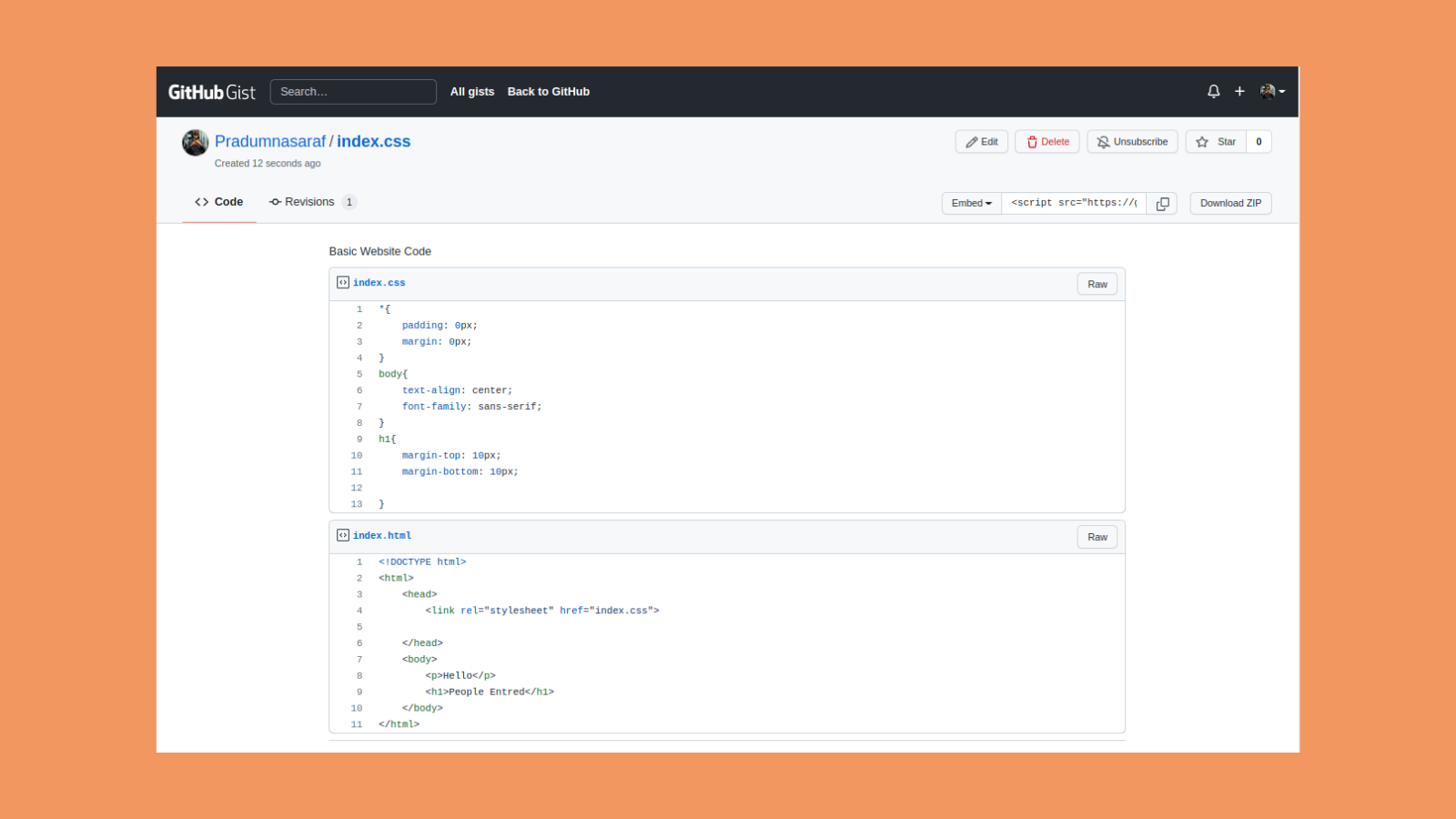
Creating a Gist:
Steps:
0) Head over to gist.github.com.
1) Paste the code snippets or notes
2) Choose to make it public or private.
Features of Gist:
◾Quick code snippets sharing with just a URL.
◾Public and Private
◾Can be directly embedded into the website
◾Support Markdown
◾Support code zipping.
GitHub Offical Docs for gist:
https://docs.github.com/en/github-ae@latest/get-started/writing-on-github/editing-and-sharing-content-with-gists/creating-gists
"The only repo you need"
Aim: To build a GitHub repo and to bring all Bootcamp tweets and materials in one place, which will help the new learners in the future.
Repo Link 👇 (Don't forget to ⭐ the repo).
https://github.com/Pradumnasaraf/open-source-with-pradumna


